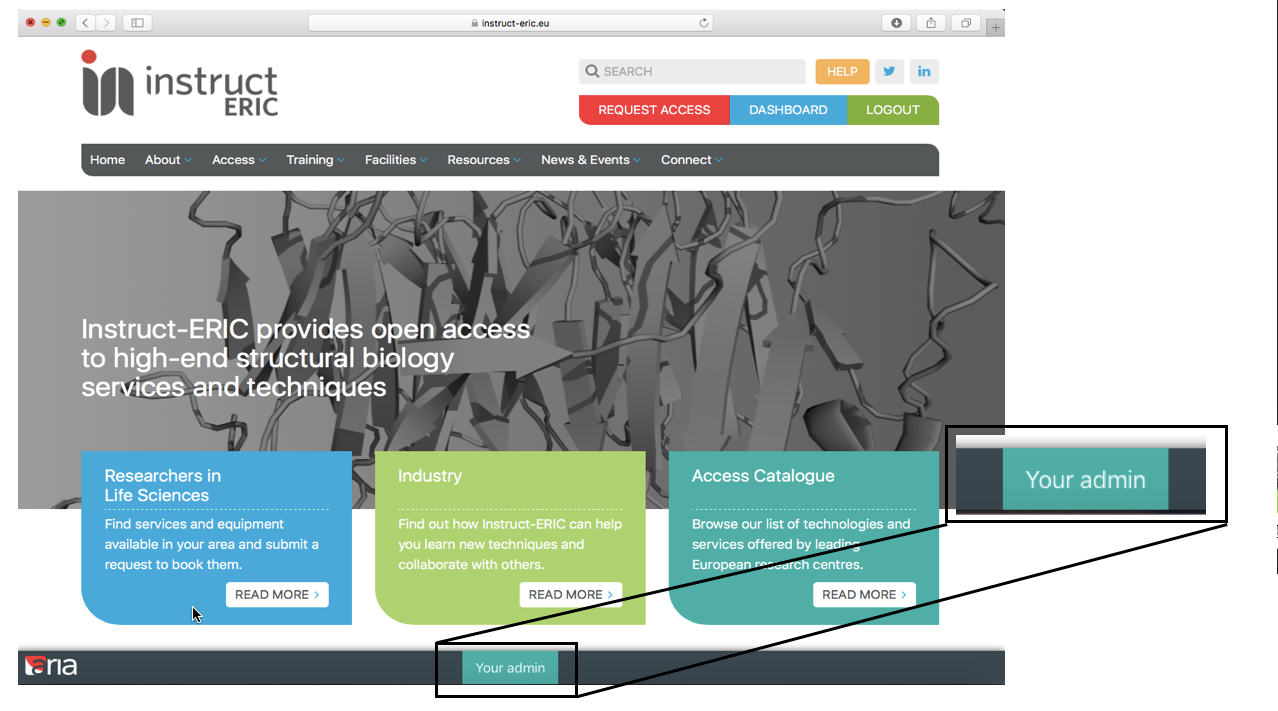
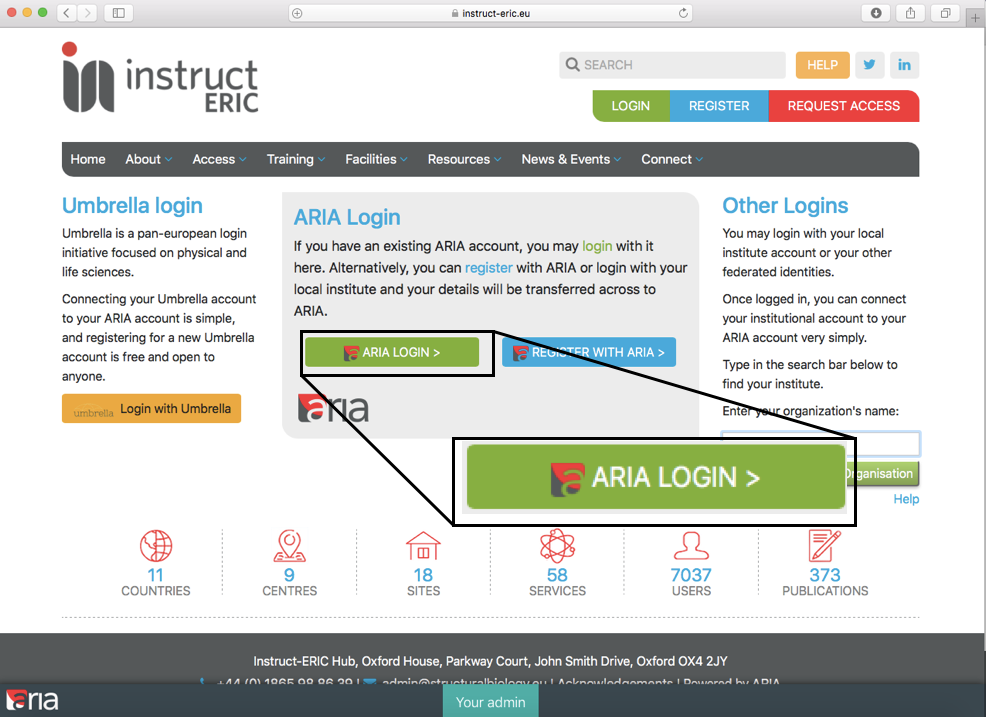
- Go to ‘Your Admin’ and login to the ARIA homepage.
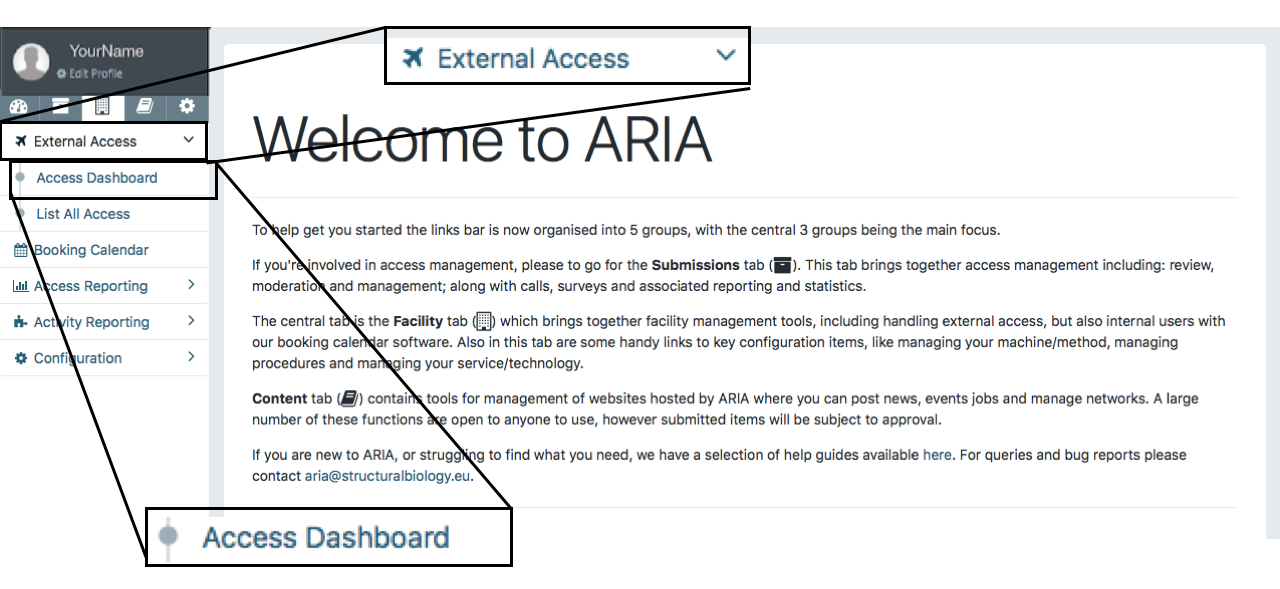
3. Once directed to the ARIA homepage click ‘Facility’, then ‘External Access’ and finally, ‘Access Dashboard’.
4. Once in ‘Access Dashboard’, click on the purple icon 'Access Feedback' then 'Access Detail' to leave feedback on the desired proposal.

5. Once you have selected the proposal, click ‘Begin Review’.
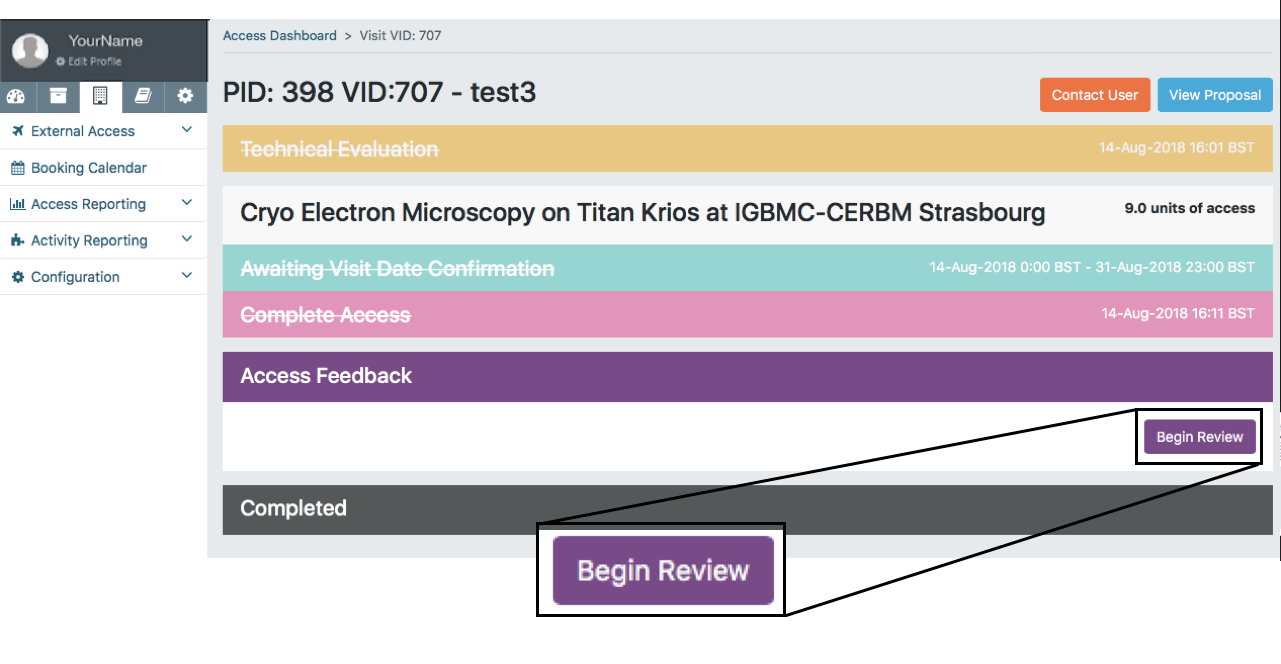
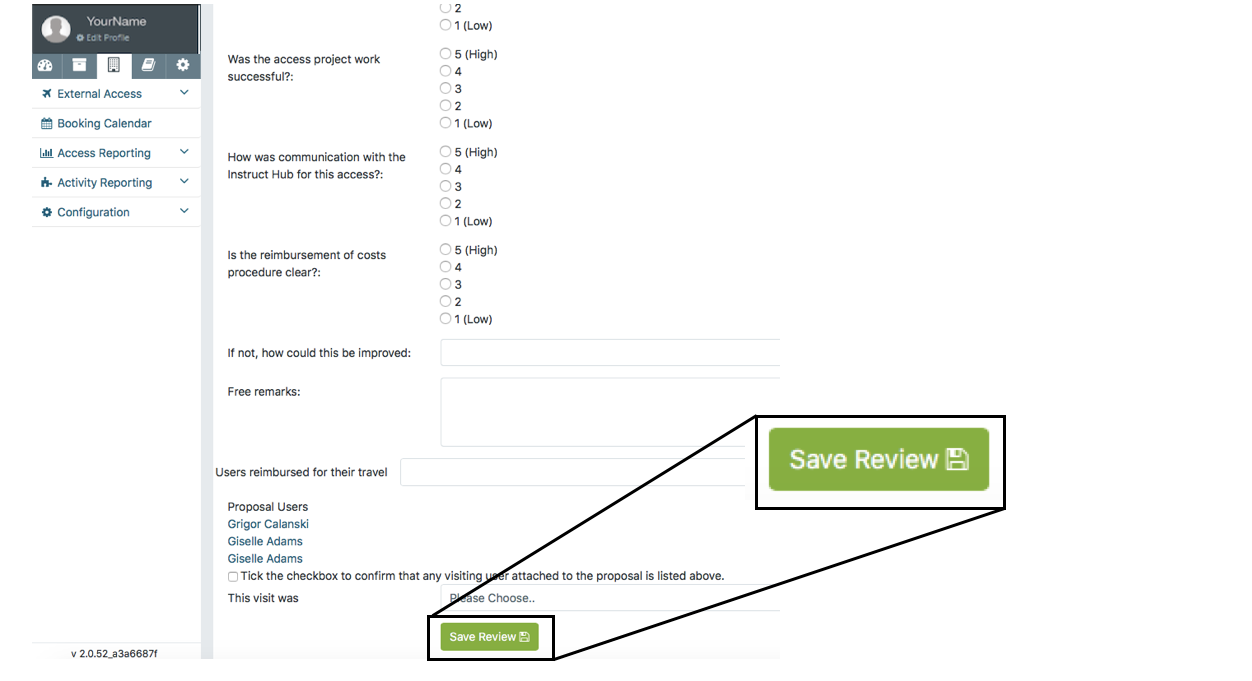
6. Once 'Begin Review’ has been selected, fill out the review sheet with the appropriate information.
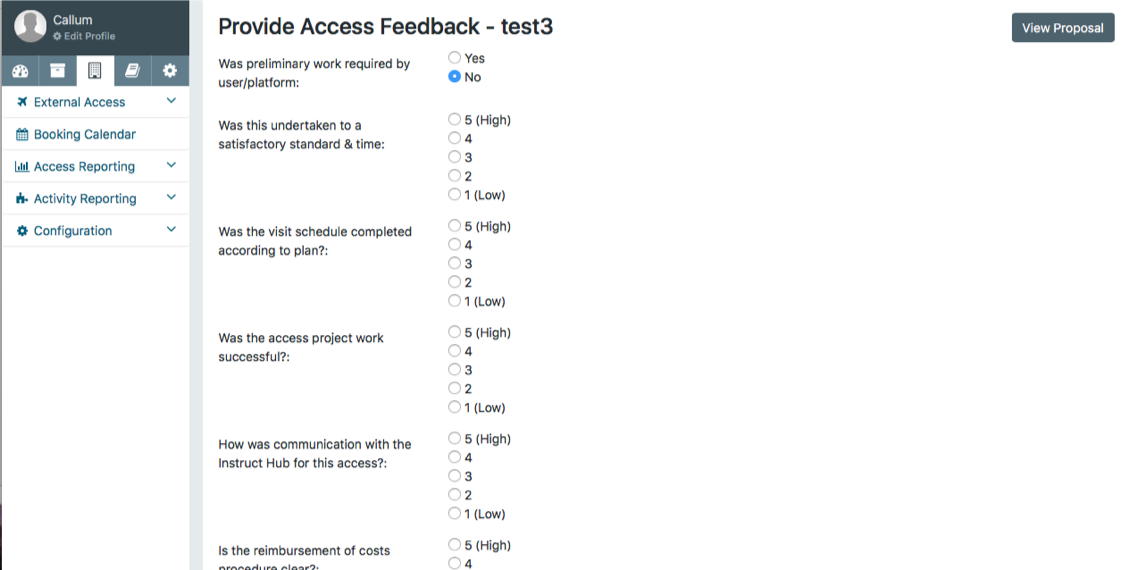
7. Make sure that once you have completed the feedback you click the ‘Save Review’ button.