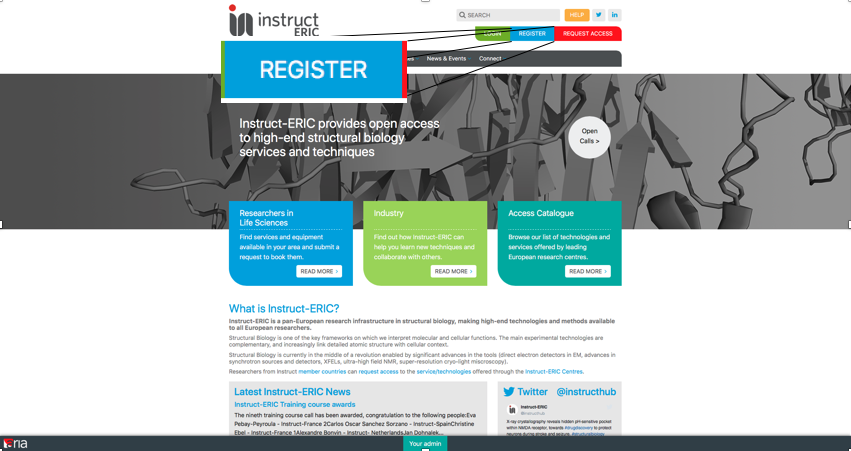
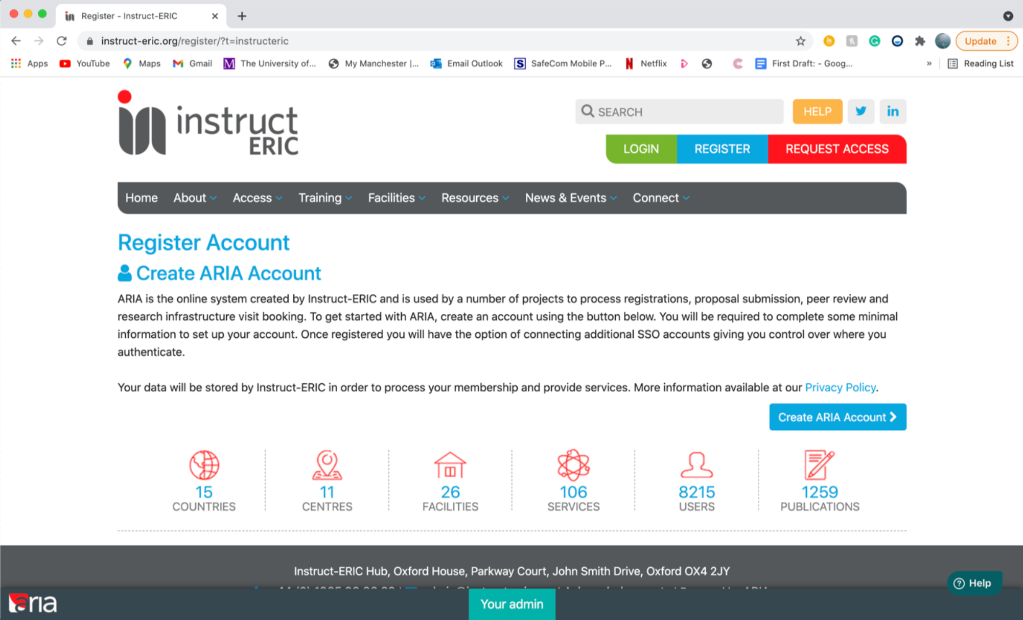
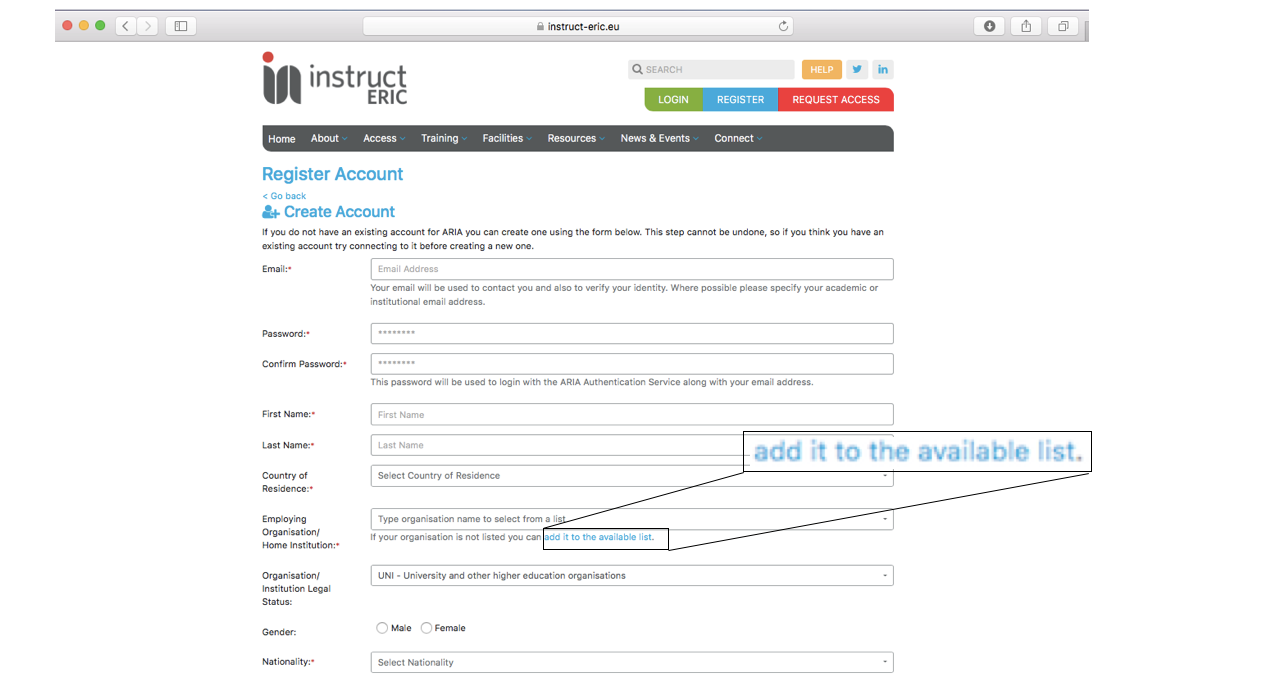
For the "Country of Residence", "Employing Organisation/Home Institution" and "Nationality" fields; click in the box and begin typing to open a list of suggested options for that field.
If your "Employing Organisation/Home Institution" is not currently on the list, there is an option to add it using the link beneath the text box.
Select "Organisation/Institution Legal Status" from the dropdown options.
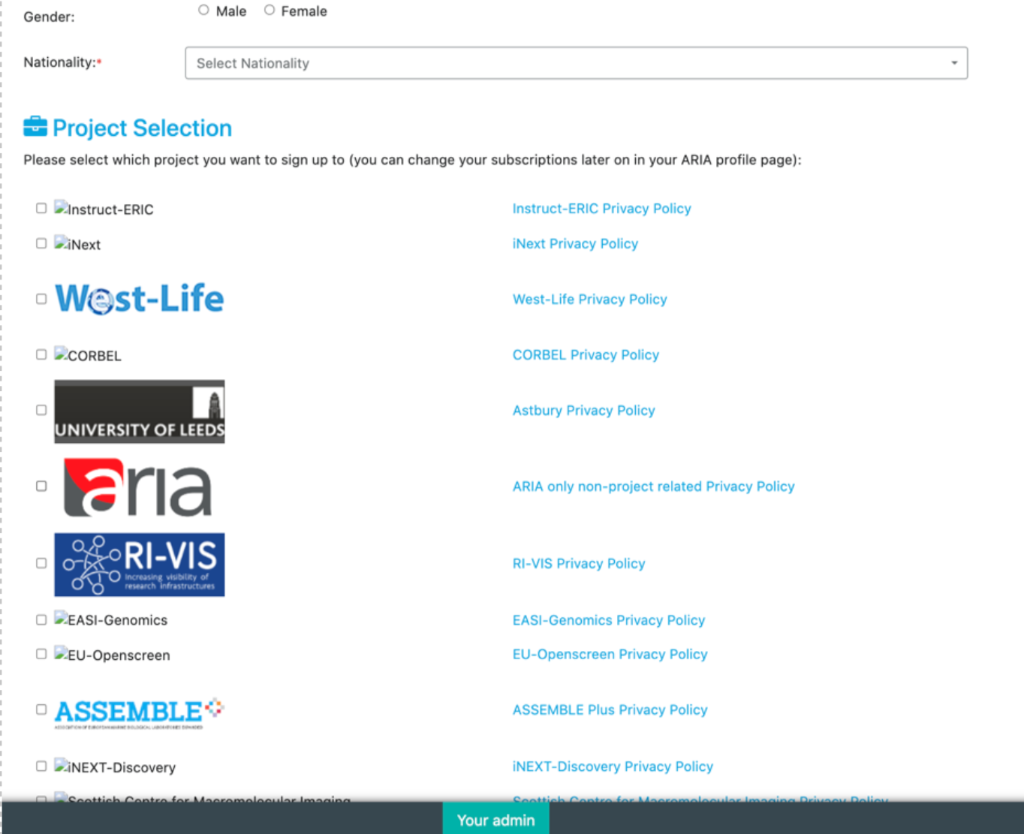
Select an Project from the options below
When the form is completed, click "Create Account".